Google Maps for Business
How do you get your business found on Google Maps?
When someone searches for a service nearby, your Google Business Profile may be the first thing they see. A strong profile makes three things immediately clear: you offer what they need, you work in their area, and you are easy to contact.
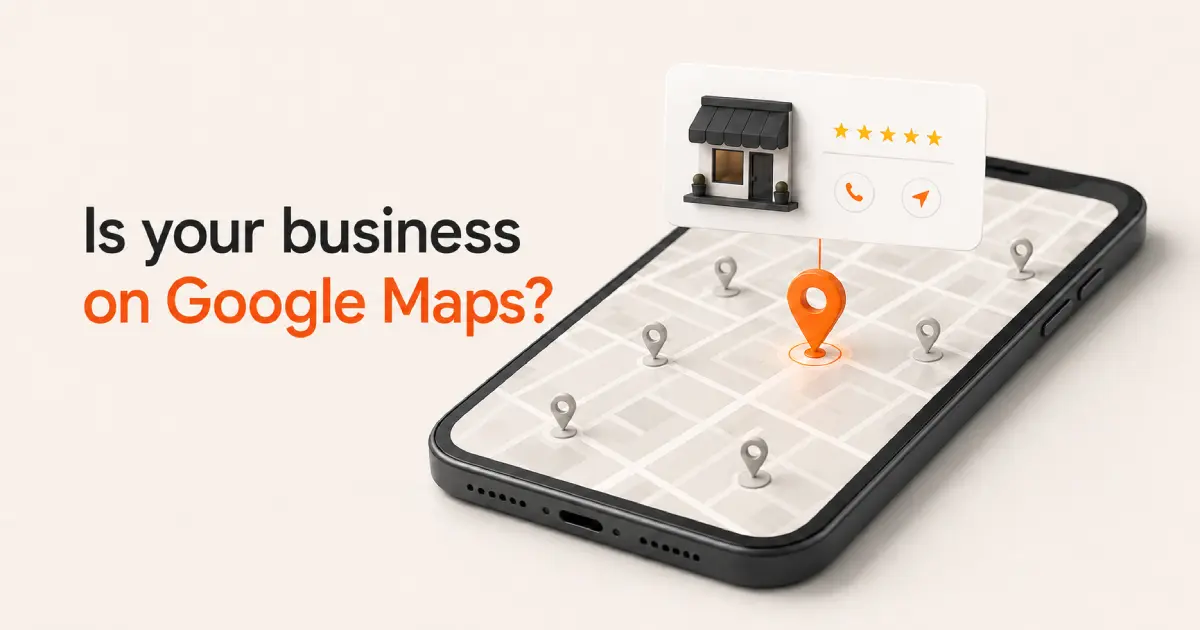
Make your business obvious
Your profile should answer the customer’s basic questions without making them search.
What do you do? Where do you work? When are you available? How can someone contact you?
Choose the most accurate business category, list your main services, and add your current phone number, website, opening hours, and location.
If you visit customers instead of serving them at a public business address, use service areas and keep your residential address hidden.
Do not make Google—or your customer—guess what your business does.
Turn visibility into trust
Being found is only the beginning. The customer still needs a reason to choose you.
Add a clear business description, genuine customer reviews, and recent photos of your work, team, premises, vehicles, or equipment.
Make it easy for customers to leave feedback by sharing a direct Google review link or QR code. Respond professionally to reviews and never offer a discount, payment, or gift in exchange for one.
Take the 10-second test
Open your Business Profile on a phone and look at it as a new customer. Within ten seconds, can you understand what the business does, where it operates, how to contact it, and why it can be trusted? If any answer is unclear, that is the first thing to improve.
A strong Google Business Profile makes four things clear:
- What services you provide.
- Where you provide them.
- How customers can contact you.
- Why they should trust your business.
Get found on Google Maps.
Axion Web Studio improves your Google Business Profile so customers can find you, understand your business, and contact you.